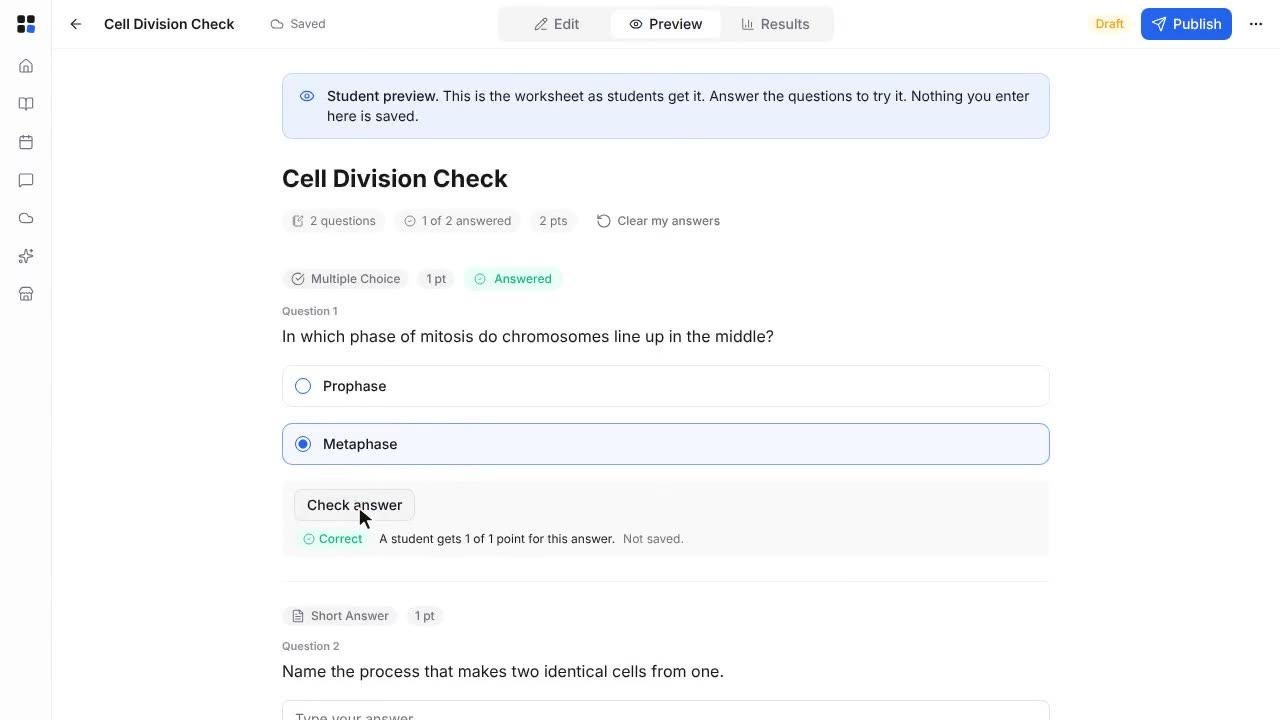
Create and publish an assignment
Write an assignment, save it as a draft, then publish it to your class.
Length: 0:53 min
The voiceover is a synthetic voice. Captions are in English.
Steps
- Open Assignments in your class and click Create.
- Type a title, then write the instructions for your students.
- Click the Due Date field and enter the date the work is due.
- Select Graded Assignment to include it in the gradebook. Select Save as Draft to keep it hidden from students for now.
- Under Deliverables, select Extended response so students can type their answer.
- Click Save Draft. The assignment appears in your list with a Draft badge.
- When you are ready, click Publish. Your students can now see the assignment.