Create a class and invite students
Set up a new class and share its invite code so students can join.
Length: 0:44 min
The voiceover is a synthetic voice. Captions are in English.
Steps
- Open Classes from the sidebar, then click Create Class.
- Type a class title, a section, and a subject. The other fields are optional.
- Scroll to the bottom of the form and click Create Class. Your new class appears on the Classes page.
- Click the class to open it.
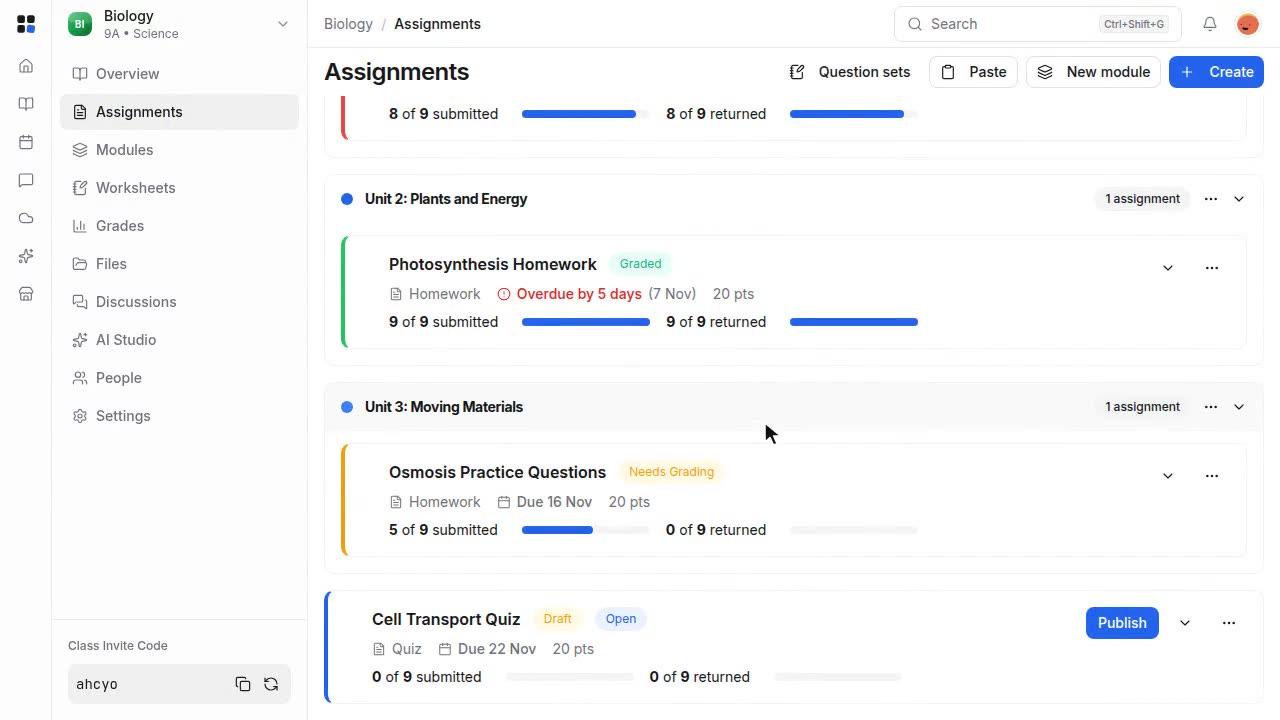
- The invite code is at the bottom of the sidebar. Click the copy button to copy it.
- Send the code to your students. They click Join Class on their Classes page and enter it to join.